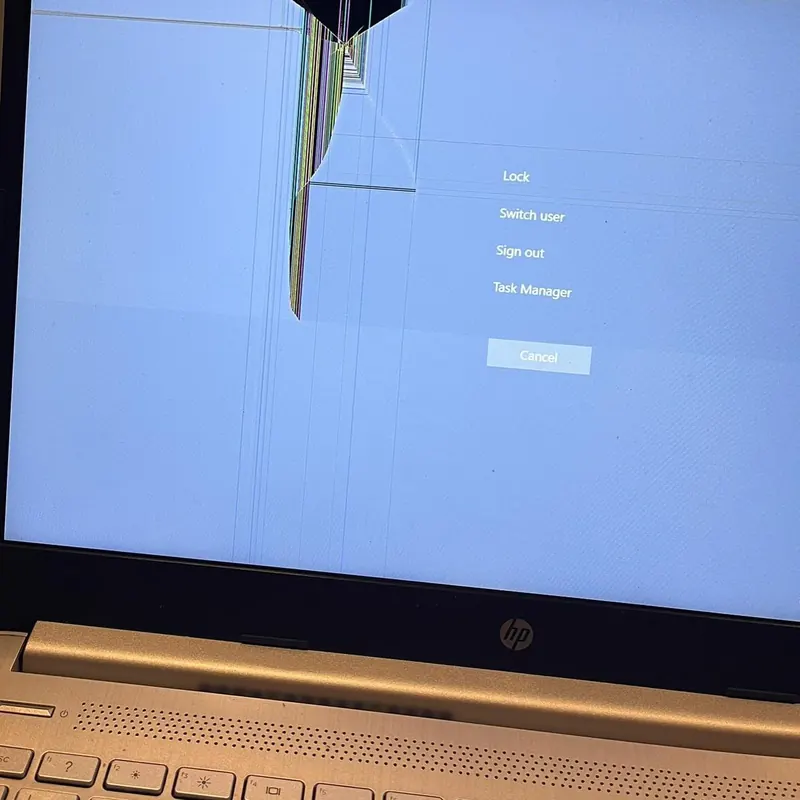
Cracked glass, lines across the display, flickering or a completely black screen — we replace laptop screens for all major brands. Common sizes are in stock, so most screen swaps are done the same day you drop off.
Symptoms:
- Cracked or smashed display
- Vertical or horizontal lines
- Flickering or very dim image
- Black screen but laptop sounds on
- Dead pixels or dark patches
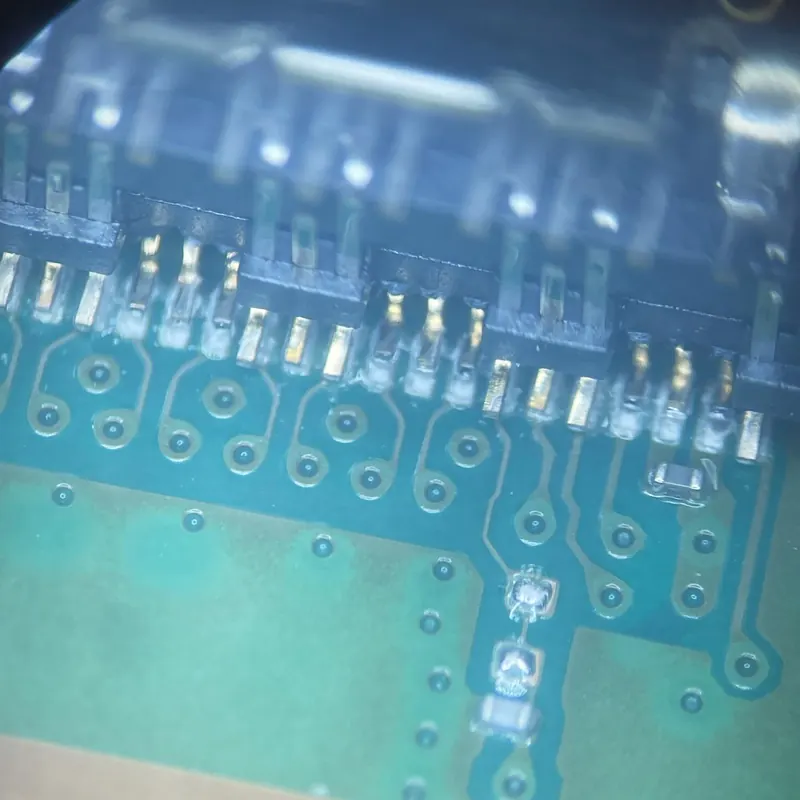
A dead laptop is usually a faulty charging port, failed power circuitry, dead battery or motherboard fault. We diagnose the exact cause with proper test equipment and quote before any work starts — no fix, no fee.
Symptoms:
- No lights, no fan, completely dead
- Charger plugged in but not charging
- Turns on then shuts off instantly
- Charging port loose or wobbly
- Only works at an exact cable angle
If your laptop takes minutes to boot, the fix is almost always an SSD upgrade. We move Windows and all your files across — nothing is lost — and a 5-8 year old laptop boots in seconds again. The best value upgrade there is.
Symptoms:
- Takes minutes to start up
- Constant freezing and "not responding"
- Disk usage stuck at 100%
- Clicking noises from the hard drive
- Fine once loaded, painful to start
Get a Quote — Call 07940 730537
Laptop batteries wear out after a few hundred charge cycles. If yours dies in under an hour, only works on mains power, or the case is bulging (a swollen battery is a safety risk), we fit a quality replacement — usually same-day.
Symptoms:
- Battery drains in under an hour
- Only works plugged into the wall
- Case or trackpad bulging outwards
- Shuts down at 20-40% remaining
- "Consider replacing your battery" warning
Quoted By Model
Free Quote
Stuck keys, missing keycaps, spill damage or a broken hinge that's cracking the case — we replace laptop keyboards and repair hinge mounts so the lid opens and closes properly again, before the damage spreads to the screen.
Symptoms:
- Keys stuck, missing or unresponsive
- Typing the wrong characters
- Liquid spilled on the keyboard
- Hinge stiff, loose or cracking the case
- Touchpad not clicking properly
Quoted By Model
Free Quote
Pop-ups, fake warning pages, a hijacked browser or Windows refusing to update — we remove viruses and malware, clean up the system and harden it against repeat infections. Your files stay exactly where you left them.
Symptoms:
- Constant pop-ups and adverts
- Browser homepage hijacked
- Fake "your PC is infected" warnings
- Windows update failing repeatedly
- Blue screens and crash loops